One scan in the room, and the whole hotel is in their hand.
A QR code in every room that opens your hotel’s guide in the guest’s own browser. No app, no login, nothing to type. We design the guide and the codes for every room come with it.
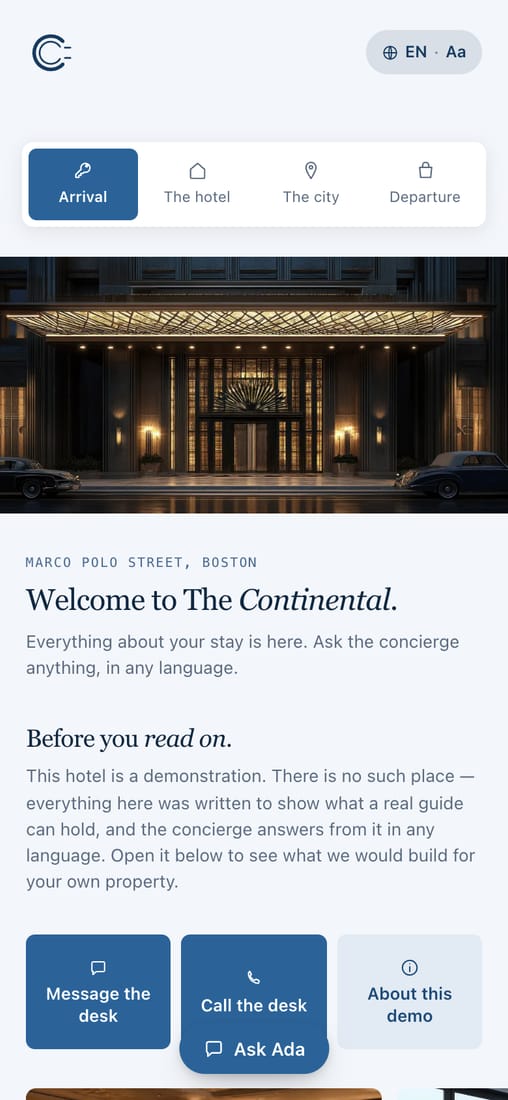
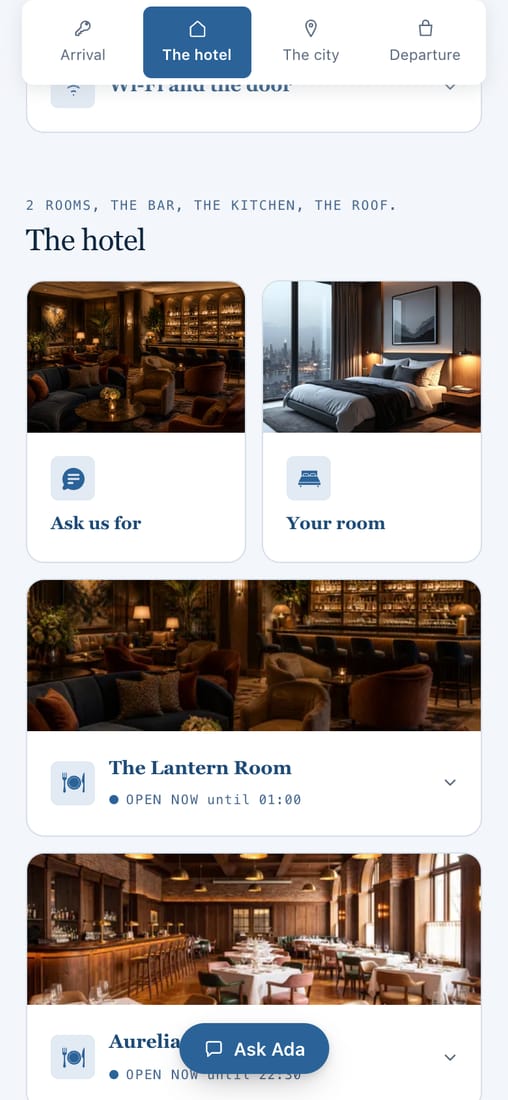
What a QR code guest guide is.
It is a printed code in the room that a guest points their phone’s camera at. Their browser opens your hotel’s guide: the Wi‑Fi, the hours, dining, the neighborhood, and a way to reach the desk.
Nothing is installed and nothing is typed. The same guide also opens from an NFC tag or from a link in a message, so a guest can have it before they arrive, and it does not expire when they leave.
- In the roomA code on the desk, the key card sleeve or the back of the door.
- With a tapAn NFC tag opens it with one touch of the phone, no camera needed.
- Before arrivalThe same link in a confirmation email or a pre-arrival text.
What the code opens, and who sees what.
One guide, opened three ways.
A QR code that looks like your hotel
Your logo in the center, your color and a frame with your own words, drawn so that it still scans.
- A code for every room, ready to print
- Your logo and your brand color
- Every design is checked with a second reader
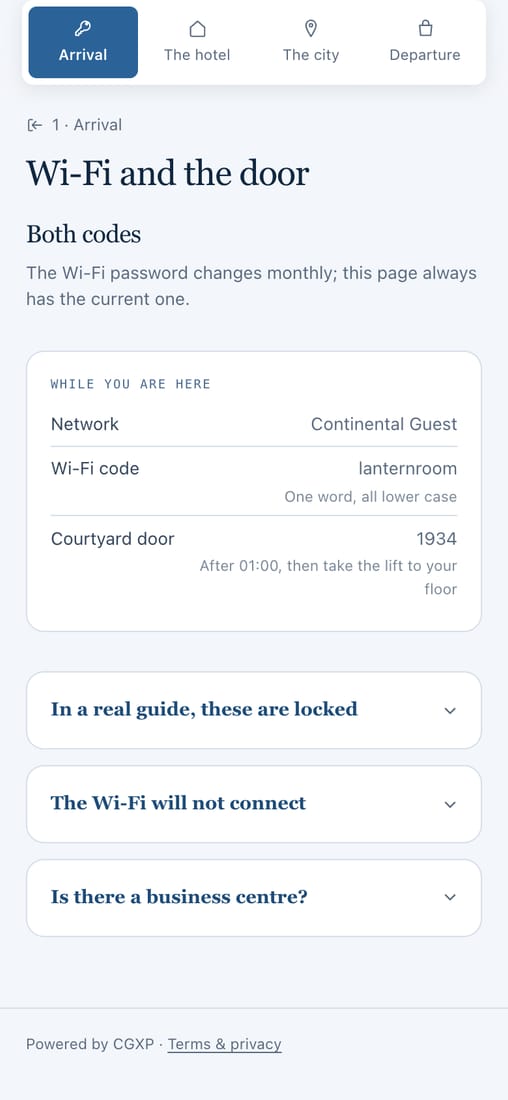
Door codes only for the guest in that room
The Wi‑Fi is there for every guest. A door or lock code appears only when the guide is opened from that room’s own link.
- The Wi‑Fi password, one tap to copy
- Door codes never shown from the public link
- Nothing for the guest to log in to
It hands the guest to their phone
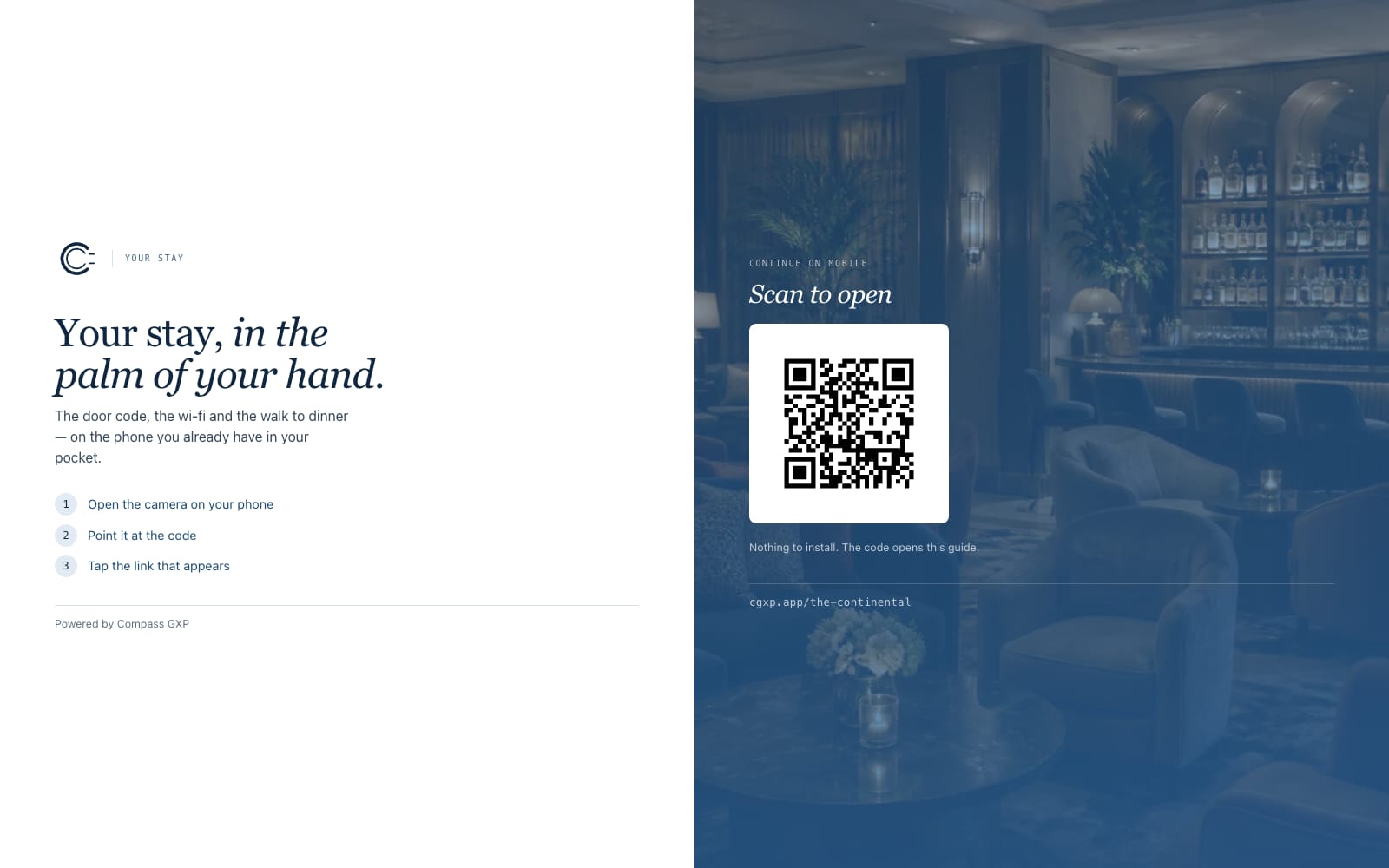
Opened on a computer, the guide shows a screen with its own code to scan.
- The same address works on any device
- No app store, no download
- In 14 languages
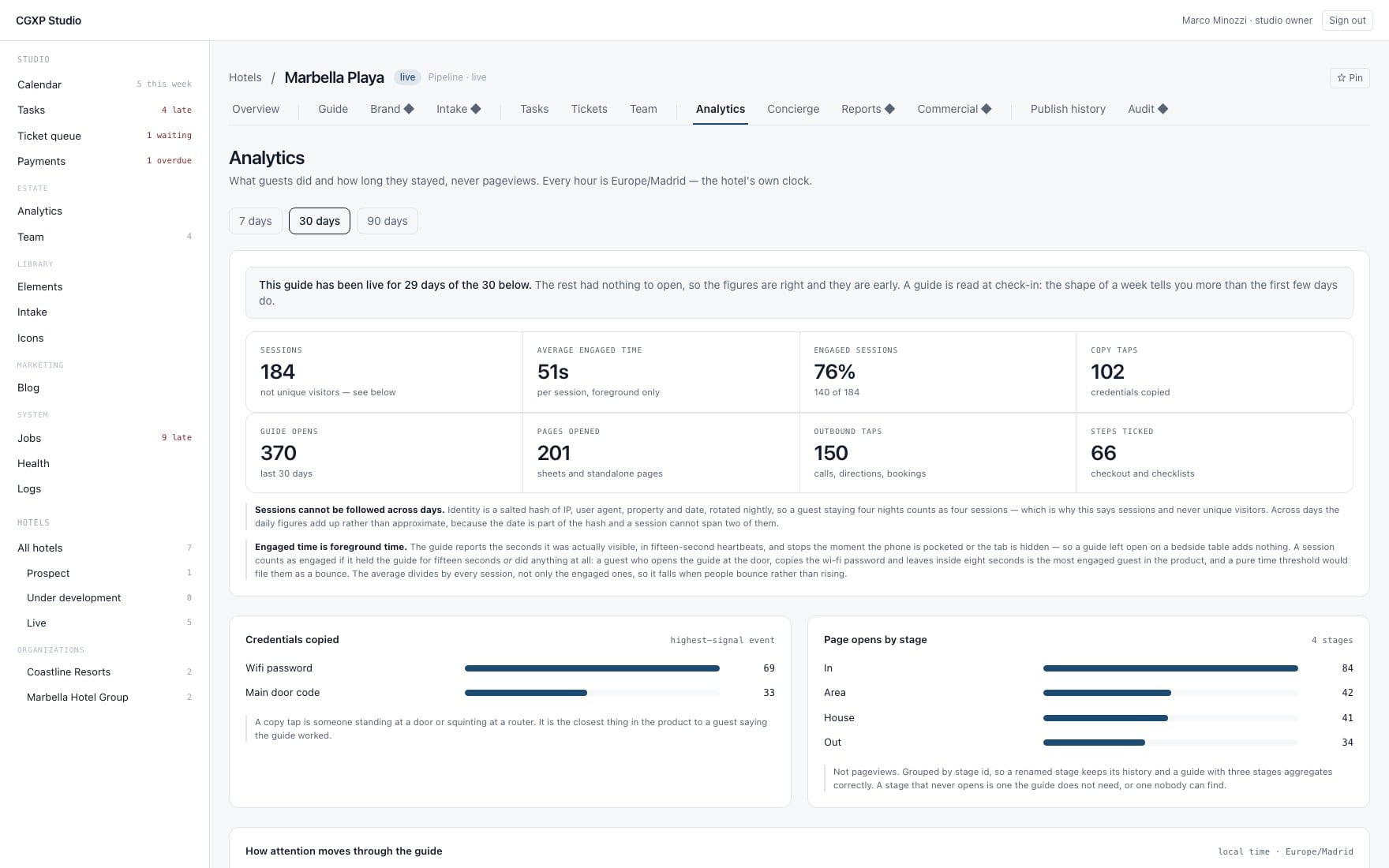
See how many guests open it
A report every week and every month.
- Opens by stage and page
- Taps on Wi‑Fi, calls and directions
- Counts of visits and taps, never of people
Three steps. About thirty days.
You send the basics
Amenities, hours, policies, your local picks, your logo. A spreadsheet or your website is fine.
~ 1 weekWe build and launch
Designed in your brand, QR codes for every room, logins for your editors.
~ 2–3 weeksYour team runs it
Edit and publish whenever you like. We’re one request away, and a report arrives every week.
Day 30
Questions about QR codes in the room.
How do guests open it?
They scan a QR code, tap an NFC sticker, or follow a link in a message. No app, no login, no download. On a laptop the guide shows a screen that hands them to their phone, with its own code.
Can guests open it before they arrive?
Yes. The same link works in a pre-arrival message or a confirmation email, and nothing expires — guests use it before, during and after the stay.
Do guests need to download an app?
No. It opens in the browser guests already have, from a QR code in the room, an NFC tag or a link in a message. No app, no login.
What if a guest has no smartphone?
The desk is still there. This is a relief valve, not a replacement.
Could it give out a door code?
No. Credentials are held apart from the guide, encrypted, and released only to a guest who opened it from the link in their own room. The spoken concierge is not even given them to read.
How much does it cost?
A one-time setup fee plus a monthly service fee, tailored to your property, which is why we talk about it on the demo call. No long-term lock-in: 30 days’ notice.
Scan one now.
This is The Continental, our demo hotel. Point your phone’s camera at the code, or open it in your browser.